




Every agency runs into repeated tasks.
Sometimes it is checking a website for performance issues. Sometimes it is writing better title tags and meta descriptions. Sometimes it is helping a client understand whether their homepage is clear enough. When those tasks come up again and again, we look for a better way to handle them.
If a tool already exists and works well, we use it. But when something is not easy enough, clear enough, or specific enough for the way we work with clients, we will often build something ourselves.
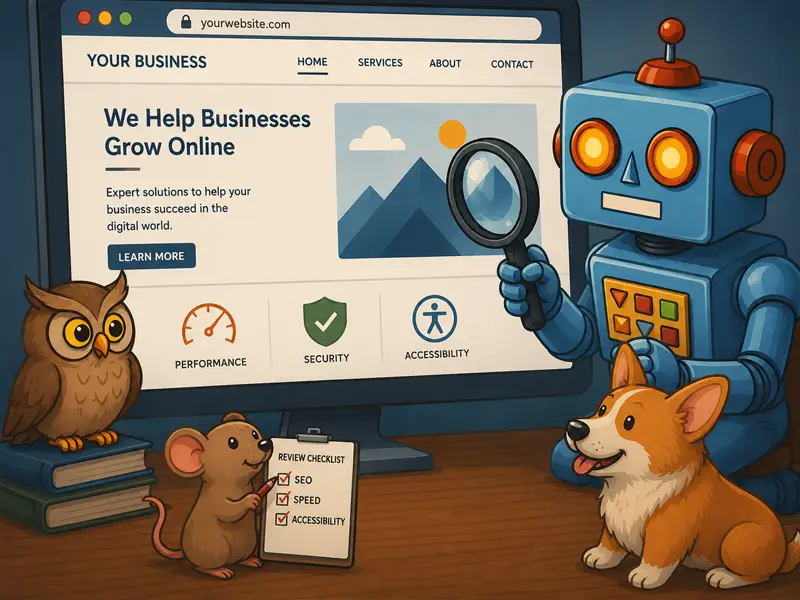
That is how our Tools & Resources page came together.
It includes a mix of tools we use inside Werkbot and prompts we have shared during presentations, strategy sessions, and website reviews. The goal is simple: help you look at your website with more clarity and find practical ways to improve it.
Here are a few of the tools we use and why we built them.
Werkscan
Werkscan helps us scan a page and identify issues related to performance, best practices, accessibility, and SEO.
A website can look good on the surface but still have issues that affect how it loads, how easy it is to use, and how well search engines understand it. Werkscan gives us a quick way to review those areas and see where a page may need attention.
When errors show up, the tool helps identify where the issues are and gives recommendations for what to fix. That makes it useful for our internal team, but it can also help clients better understand what may be happening behind the scenes on their site.
SEO Tag Tool
Title tags and meta descriptions still matter. They help search engines understand the page, and they often shape what people see before they click.
Our SEO Tag Tool scans the contents of a page and helps generate title tag, meta description, and schema recommendations. It gives several options for titles and descriptions, then checks whether they fall within the recommended character ranges.
We also built in a list of negative words that often show up when using AI to write SEO content. You can add to that list or remove words from it based on your own preferences.
The goal is not to replace human review. The goal is to give you a stronger starting point and make it easier to create tags that are clear, useful, and relevant to the page.
Type Sandbox
One issue we often run into during website design is the difference between what we see in a design file and what shows up in the browser.
A design may look right in Figma, but once it moves into code, the font sizes, spacing, line height, or heading styles may feel slightly off. These small details can make a big difference in how polished and readable a website feels.
Type Sandbox gives us a simple way to test and adjust major site typography styles. You can change common tags, review how they work together, then share the link or CSS with a developer.
This helps reduce guesswork and gives designers and developers a clearer way to align on type styles before they are applied across a site.
Website Review Prompts
We also keep a growing list of prompts on our Tools & Resources page.
These prompts are made to copy and paste into your preferred LLM so you can review your website, homepage, or specific page from a different point of view.
For example, you might ask an LLM to scan your site and tell you whether:
- It is immediately clear what you do?
- It is clear who the site is for?
- Users can find what they need
- The next step is obvious
- The site builds trust early
- The site feels fast and responsive
- The content is accessible and readable
These prompts can help you find issues that are easy to miss when you already know your own business. They are especially useful for reviewing homepage clarity, service page content, SEO structure, and calls to action.
They will not replace a full website audit, but they can give you a useful starting point.
Why We Share These
We built these tools because we needed them.
Some help us move faster. Some help us explain technical issues more clearly. Some help clients see their website from the perspective of a visitor, search engine, or AI tool.
A good website needs more than good visuals. It needs clear content, clean structure, strong performance, accessible design, and obvious next steps.
These tools and prompts help review those pieces in a more practical way.
You can view the full list on our Tools & Resources page. We plan to keep adding more as we build new tools, refine our process, and find better ways to help clients improve their websites.